Acapellas for your edits
Lift a clean lead vocal off any track and drop it over your own beat.
 VoxSplit
Free for Mac · Works in FL Studio
VoxSplit pulls the lead vocal and the backing vocals out of any song, so you can flip hooks, build bootlegs and make mashups that actually blend. It all happens on your Mac, so your tracks never leave it.
For Macs with Apple silicon (M1 or newer), macOS 14+ · 310 MB
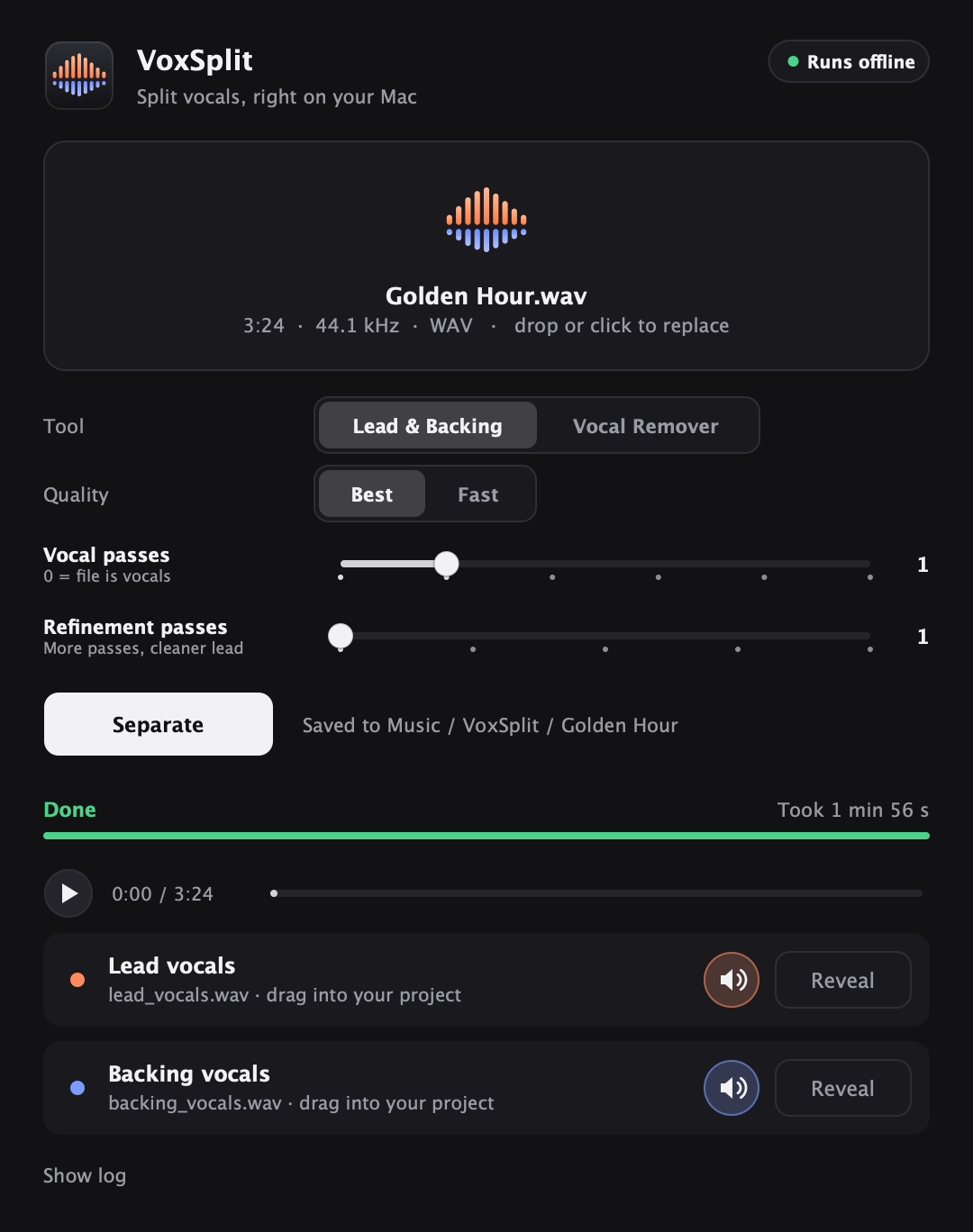
Every split gives you separate files you can drop into any project.
Lift a clean lead vocal off any track and drop it over your own beat.
Pull out the stacks, doubles and ad-libs to layer under a remix or build a new chorus.
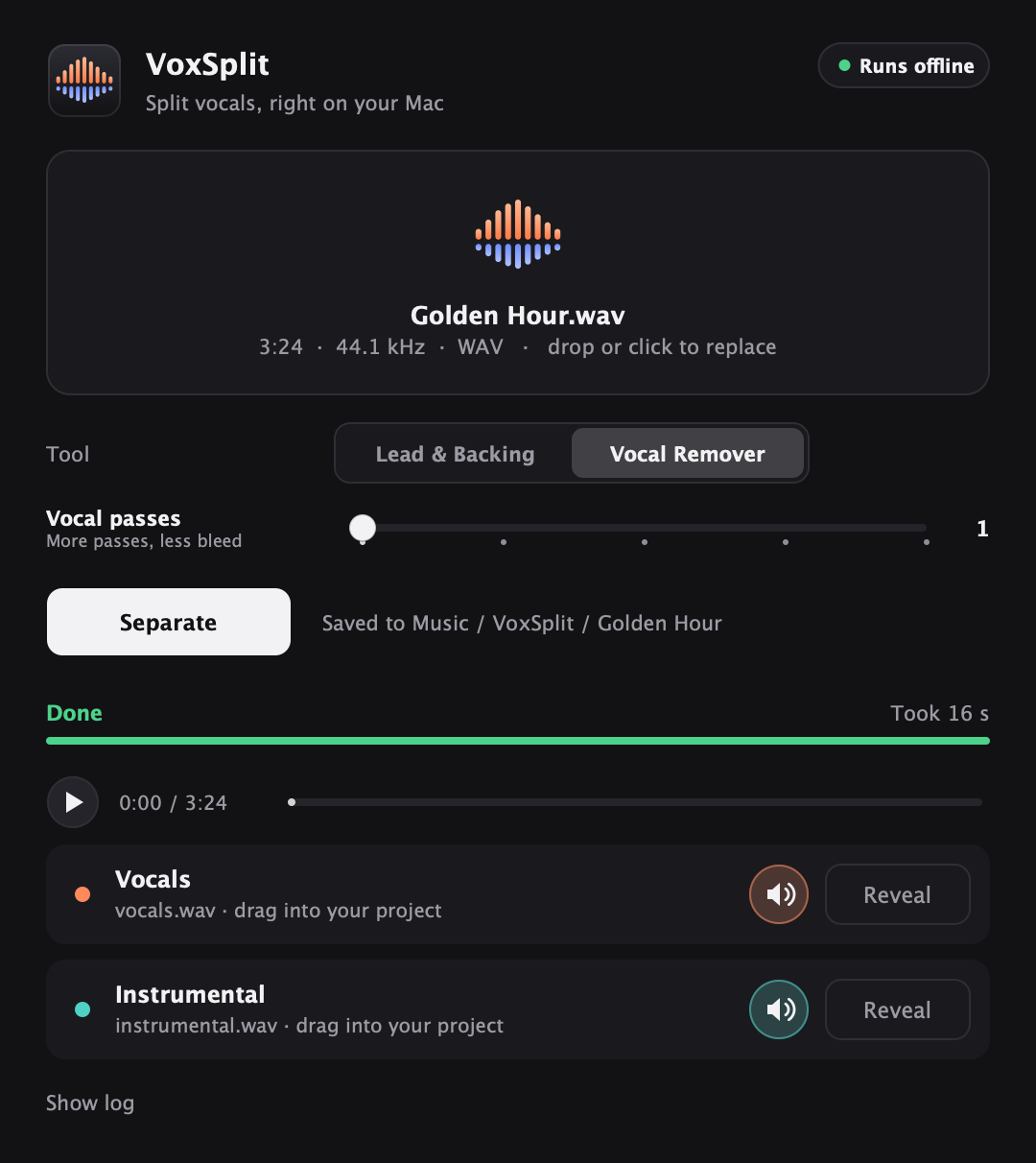
Vocal Remover gives you the beat with no vocals, for mashups, karaoke or practice.
MP3, WAV, FLAC, AIFF or M4A. Drag it in or click to pick one.
VoxSplit tells you how long it’ll take. A 3-minute song takes about 2 minutes, or 15 seconds for an instrumental.
Play them together, mute any part to check it, then drag the files straight into your session.
Load VoxSplit on a mixer insert and split without leaving your project. Your session keeps playing while it works.
Not in your plugin list? Go to Options → Manage plugins and click Find more plugins. VoxSplit also works as a VST3 or Audio Unit in other music apps.
Free, for Macs with Apple silicon (M1 or newer) on macOS 14 or later.
Paste this into Terminal. It skips the Open Anyway step.
Everything, FL Studio plugin included (asks for your password)
curl -fsSL https://voxsplit.jeffrey.build/install.sh | bash
Just the Terminal command (no password)
curl -fsSL https://voxsplit.jeffrey.build/install.sh | bash -s -- --cli
Yes. No account, no subscription, no watermark. VoxSplit is open source, and the code is on GitHub.
Never. Everything happens on your Mac, and it works with no internet connection.
If your Mac has Apple silicon (M1 or newer) and runs macOS 14 Sonoma or later, yes. You need about 1 GB of free space. Intel Macs and Windows aren’t supported yet.
About 2 minutes for a 3-minute song on the best setting, about 1 minute on Fast, and around 15 seconds with Vocal Remover. VoxSplit shows its own estimate before you start. The very first split takes about a minute longer while your Mac gets ready.
VoxSplit isn’t registered with Apple yet, which costs a paid developer account. Click Open Anyway in System Settings → Privacy & Security once and you’re set. Installing from Terminal skips the warning.
High-quality WAV files in your Music → VoxSplit folder: lead and backing vocals, or vocals and instrumental. Put the parts back together and you get the original song.
Yes. The Terminal command does everything the app does. Try voxsplit separate song.mp3, or run voxsplit --help to see everything.
Paste this into Terminal. The songs you split stay in your Music folder.
curl -fsSL https://voxsplit.jeffrey.build/install.sh | bash -s -- --uninstall